Keep Everyone Updated Instantly with Loan Milestones
Send real-time loan status updates to borrowers, processors, and team members with one click. No extra steps. No missed communication.
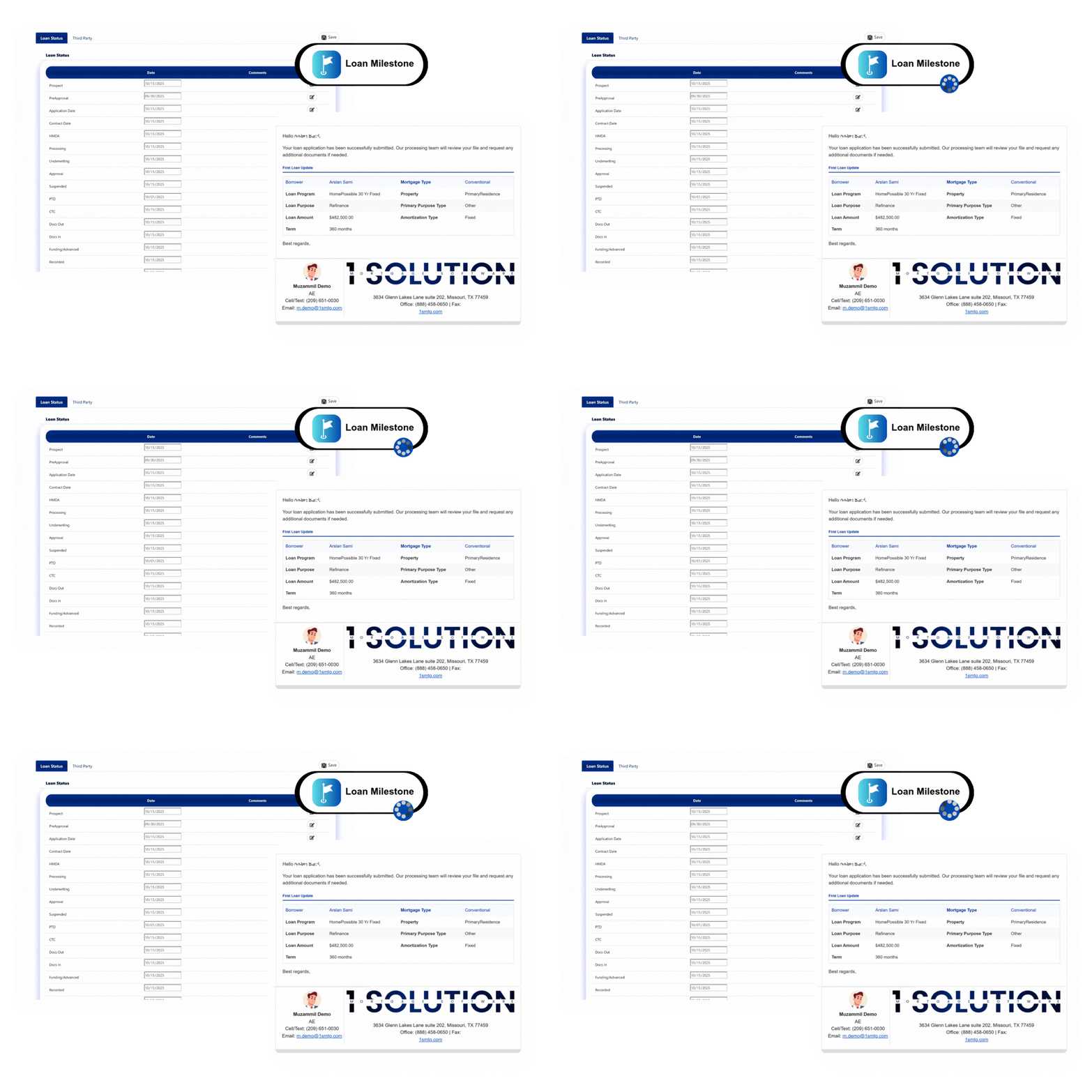
Send real-time loan status updates to borrowers, processors, and team members with one click. No extra steps. No missed communication.
Every time a loan moves to a new stage, your team can record the update and send notifications directly from the Loan Status tab.
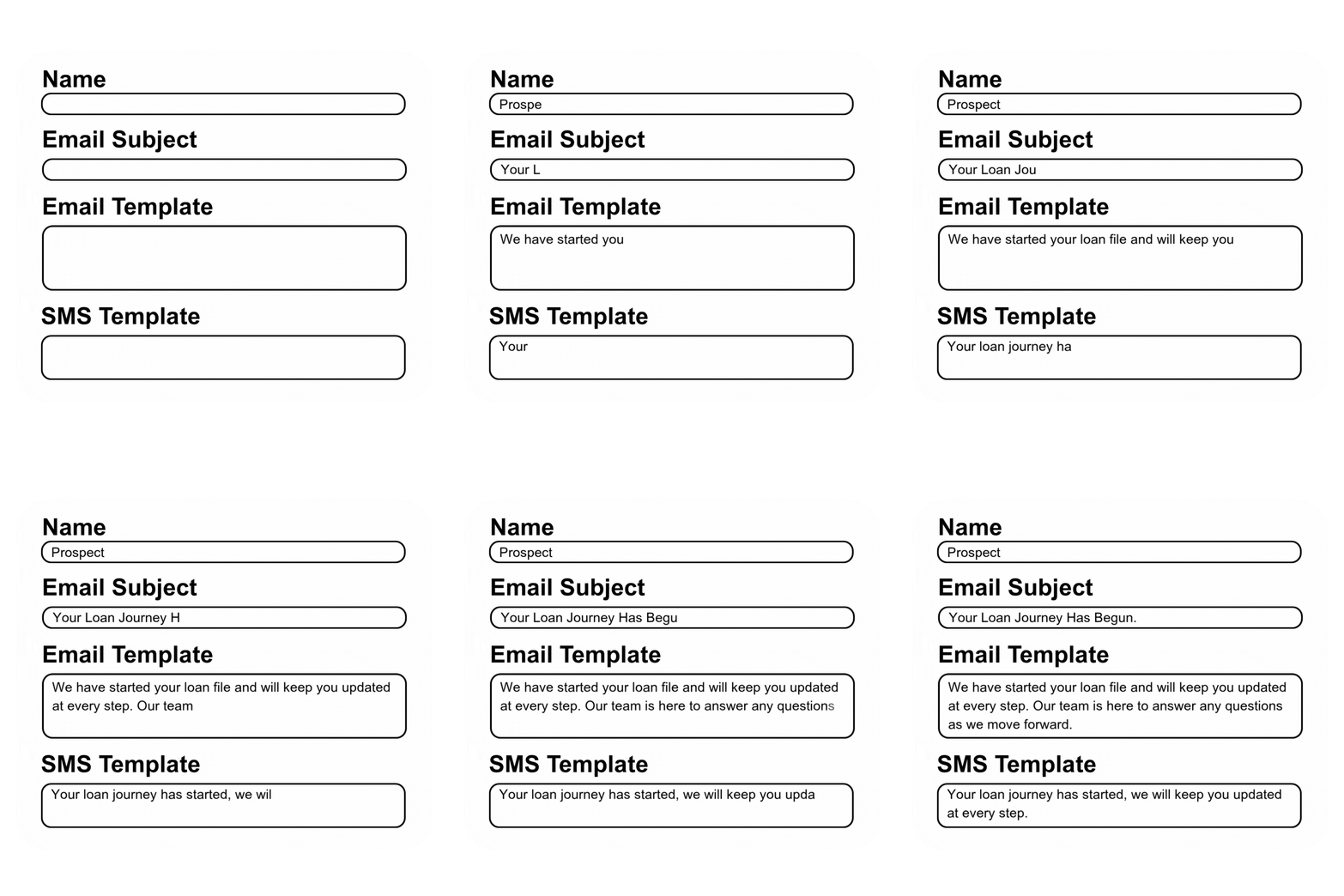
No need to type the same message again. Each milestone comes with ready email and SMS templates that fill in borrower and file details automatically. You can edit or replace them anytime to match your company’s style.
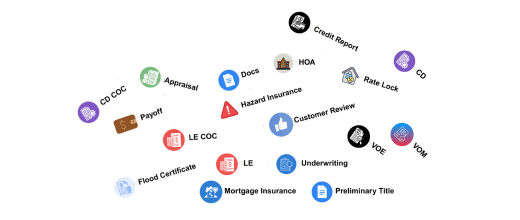
he Third Party tab handles external updates like credit reports, appraisals, and titles. Add dates and send a default or custom message to everyone involved. All updates stay tracked and synced with your file timeline.
Team members get instant SMS alerts, email updates, and file links keeping communication fast and clear.


Admins can manage all milestone templates from settings Once set, your templates apply across the company giving your team a simple and uniform way to communicate loan progress.
Below you’ll find answers to some of the most common questions about the 1 Solution platform—covering features, setup, and how it all works. If you still need help or have specific questions, don’t hesitate to contact us. Our team is happy to guide you Contact us