Communication

Stay connected, organized, and in control — all from one centralized place.

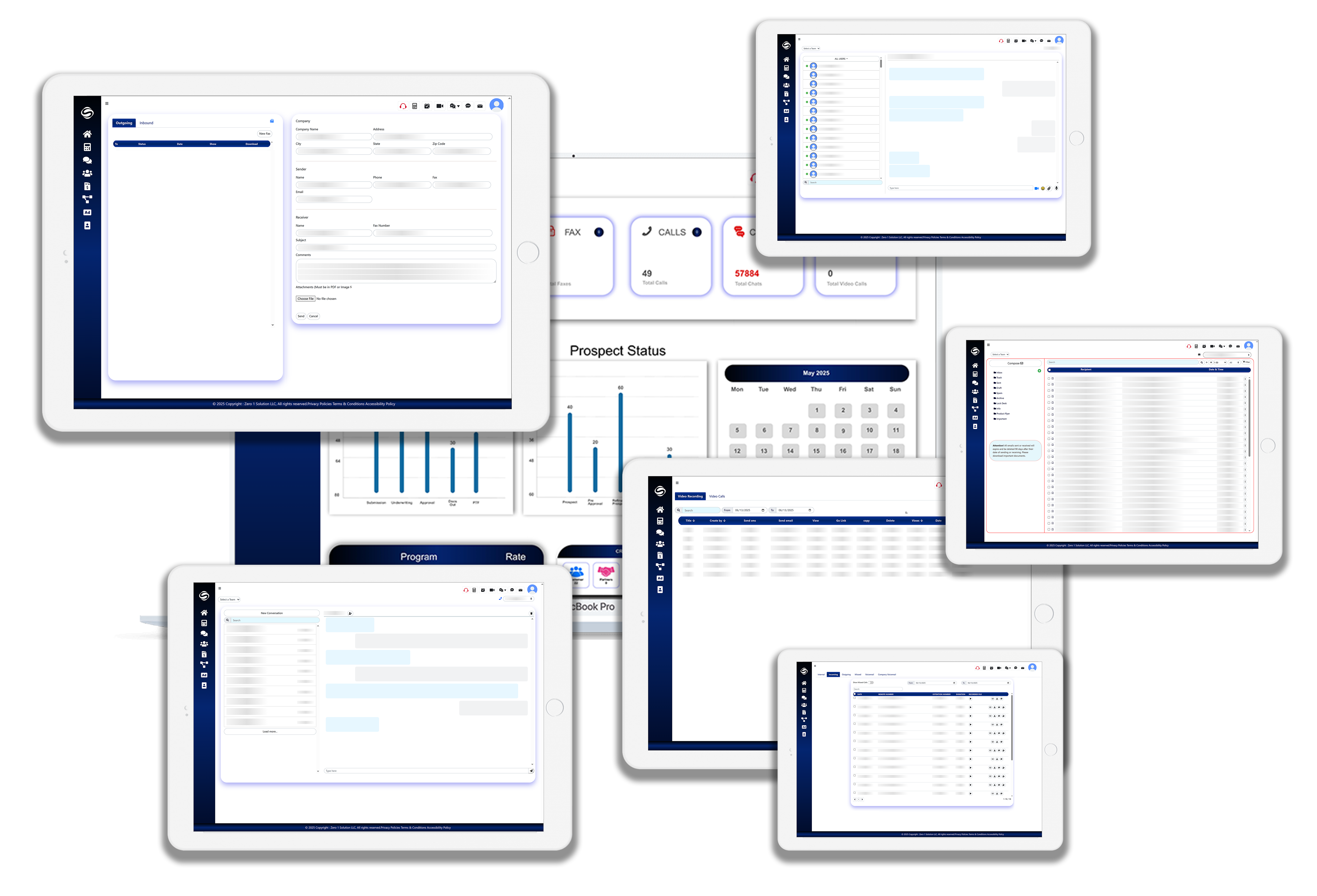
The Communication tab is your all-in-one center for managing every form of client and team interaction. Whether it's a quick chat, a formal email, or a live video call, everything is logged, secure, and accessible in one streamlined interface.
1S


1S

Call Activity & Voicemail Center

Call Tracking Dashboard

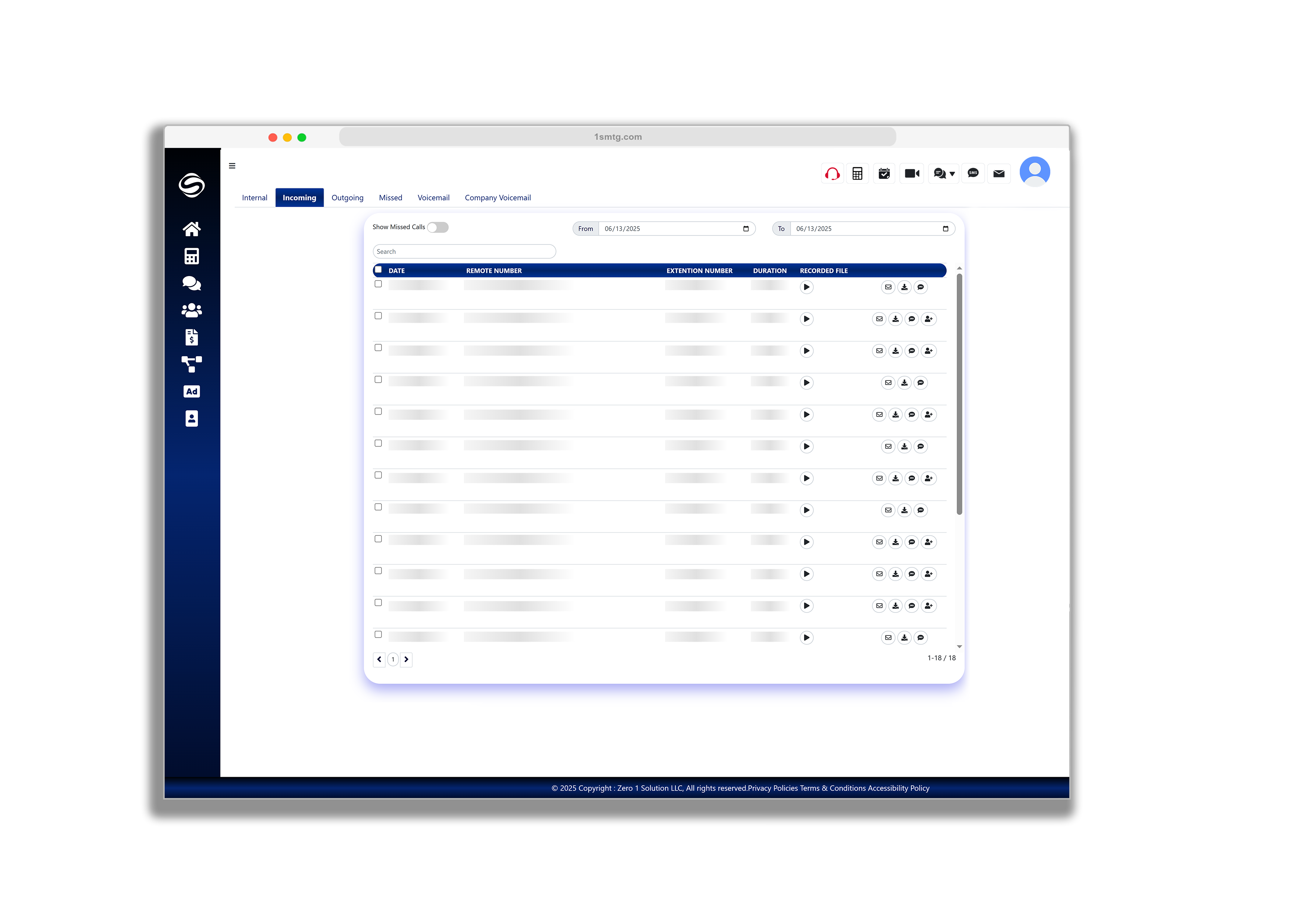
The Call Log tab provides a complete history of all your call activity in one organized view. Here, you can easily track internal calls, incoming and outgoing calls, as well as missed calls. You can also listen to your voicemails directly from the tab. For administrators, a separate section displays all company voicemails, ensuring no important message is overlooked. This tab helps maintain full visibility over communication and supports accountability across your team.

Text Messaging Center

Message History & Management

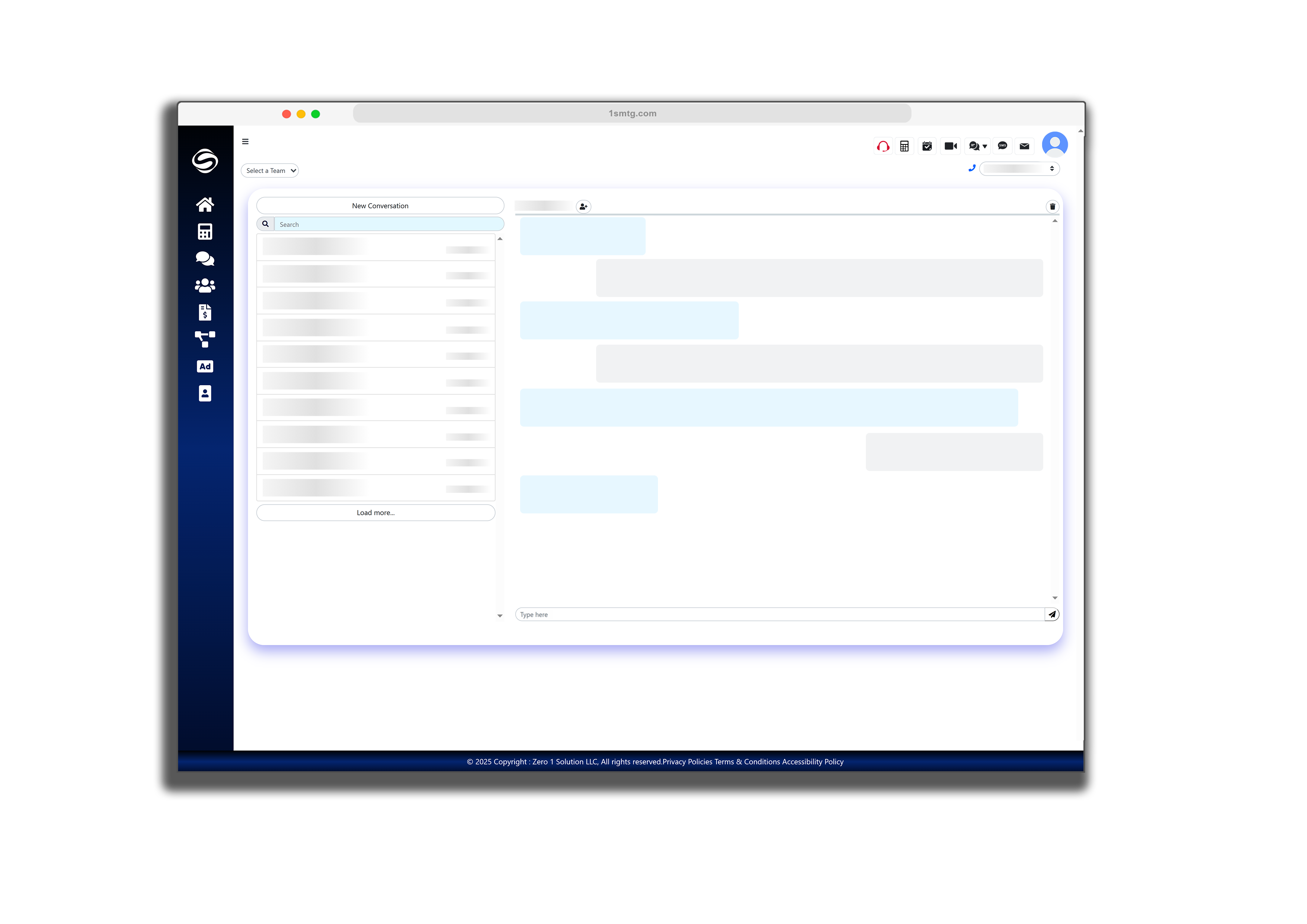
The SMS tab allows you to view and manage all text message communications in one centralized location. You can send and receive SMS messages directly through the platform, with every conversation securely saved under the respective client profile for easy tracking and compliance. This tab ensures real-time communication with clients and team members, improving response time and keeping all interactions documented and organized.

1S
1S

Fax Center

Fax History & Management

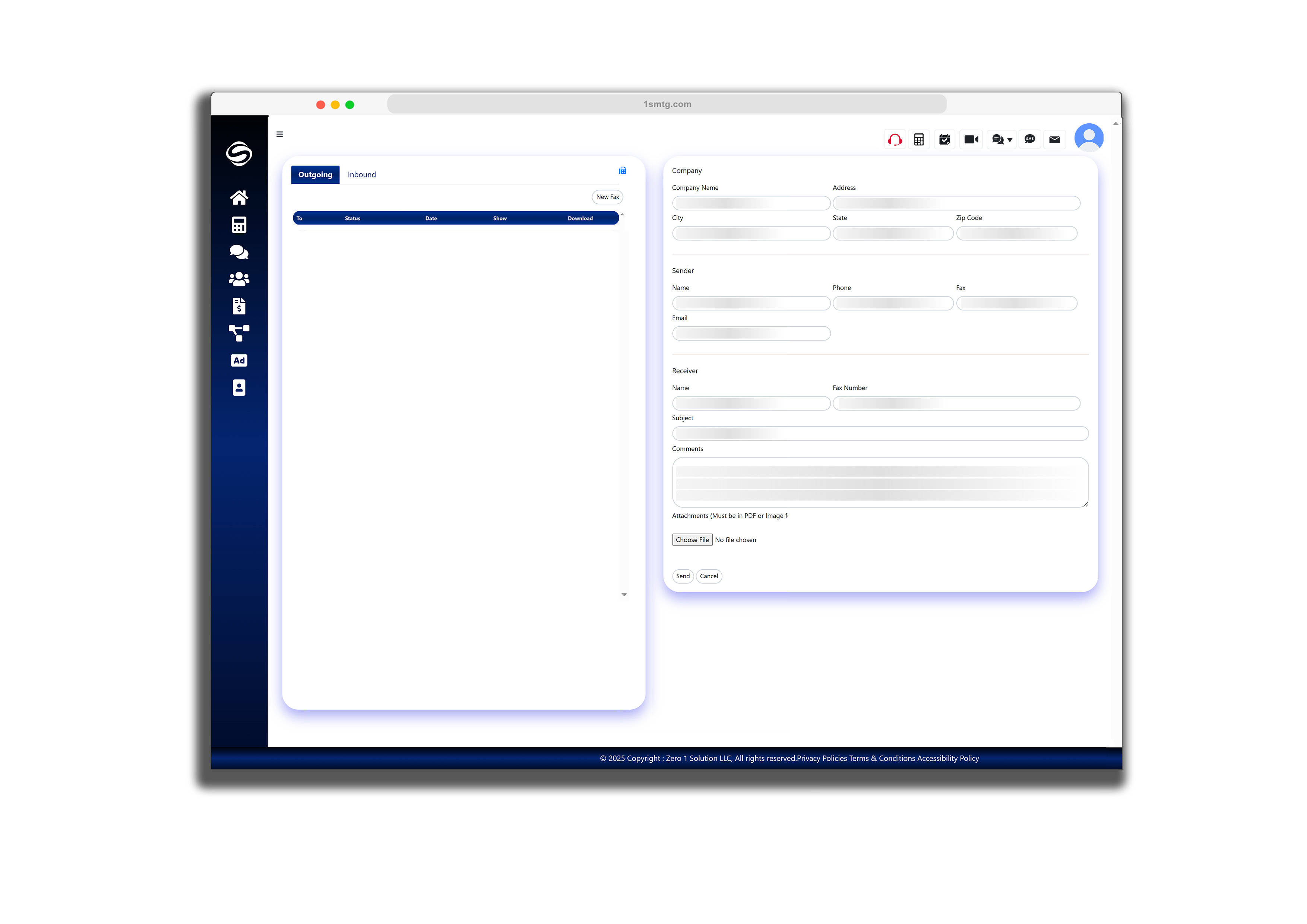
The Fax Center allows you to send and receive faxes directly through the platform without the need for physical machines. Outbound faxes can be sent quickly, while inbound faxes are automatically received and stored securely under the client profile. All fax activity is logged for compliance and audit purposes, giving you a reliable and trackable way to manage document-based communication. Designed for speed, simplicity, and security — the Fax Center keeps your workflow seamless.

Secure Email Center

Email History & Management

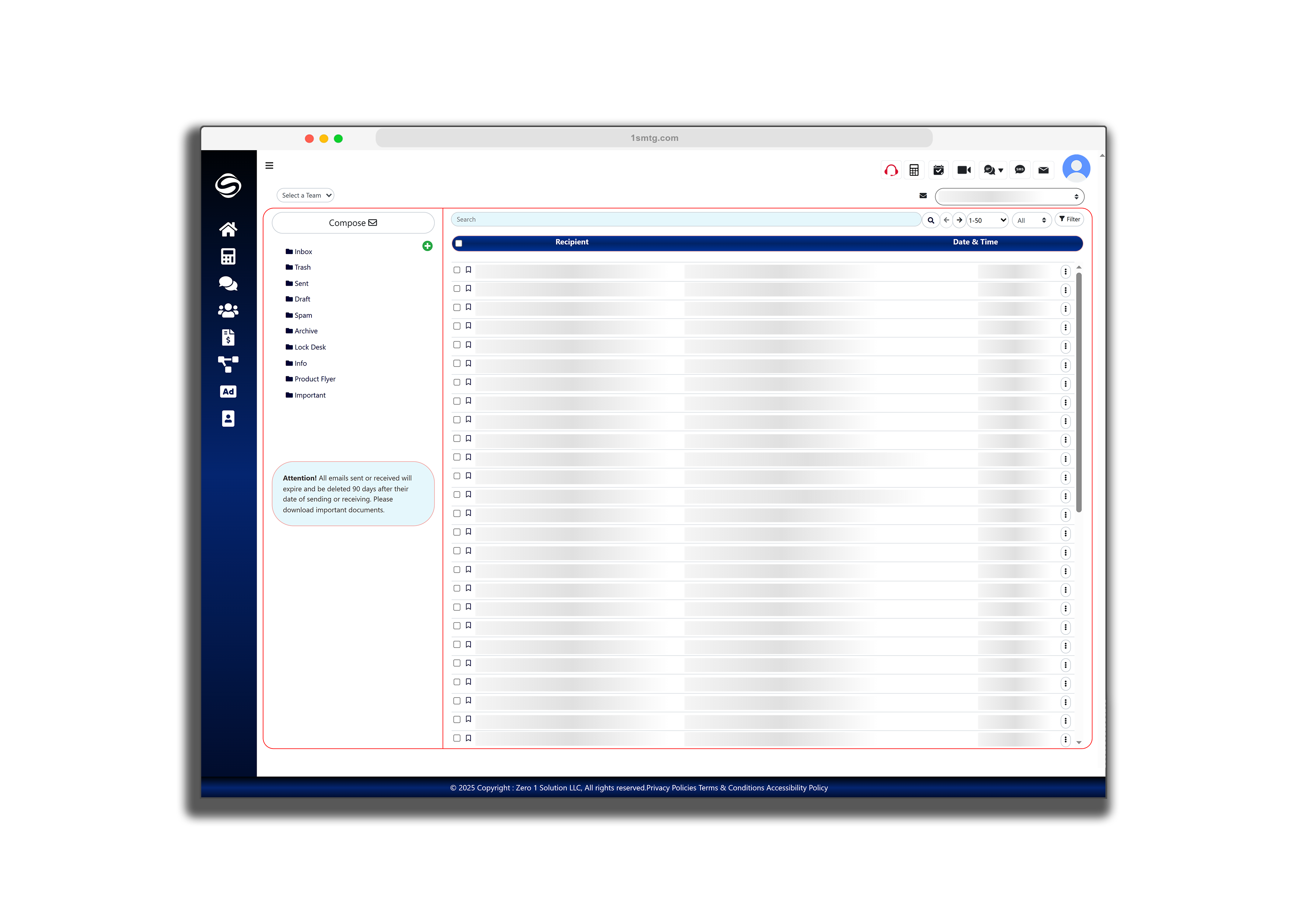
The Secure Email Center allows you to send and receive emails directly within the platform while ensuring complete data protection. All emails are automatically stored under the relevant client profile for compliance and easy access. The system also includes a secure email option, enabling you to send password-protected emails when handling sensitive information. This ensures your communication stays confidential and professional, while keeping everything centralized and trackable.

1S
1S

Internal Chat Center

Real-Time Team Messaging

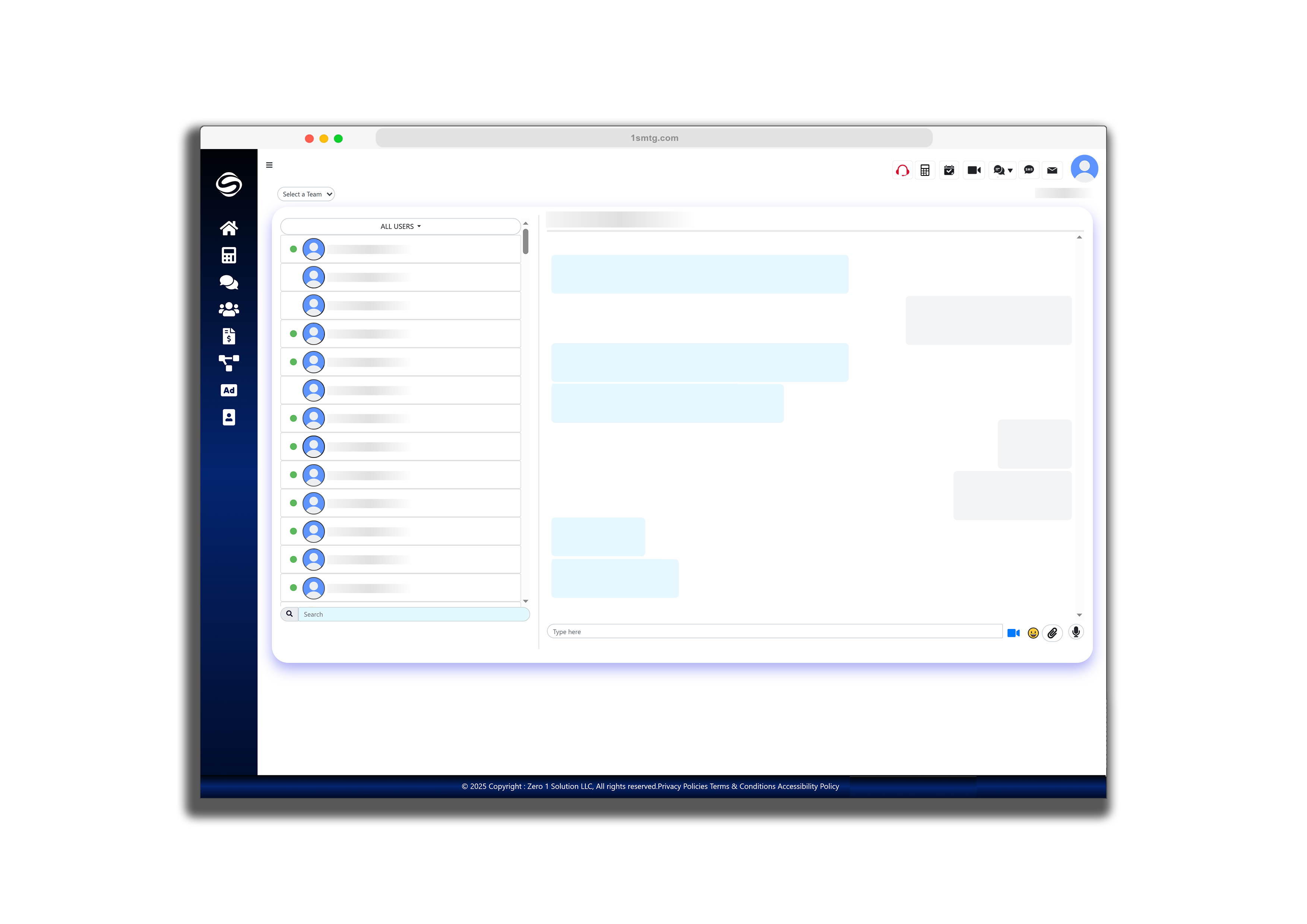
The Internal Chat Center enables real-time communication with your team, helping you collaborate quickly and efficiently without leaving the platform. Start one-on-one chats or create group conversations to discuss files, updates, or tasks. All messages are secure and stored for internal reference, keeping your operations transparent and well-documented. Whether you're coordinating with processors, underwriters, or admins — everything stays organized and instantly accessible.

Video Call & Screen Recording Center

Live Meeting & Recording Portal

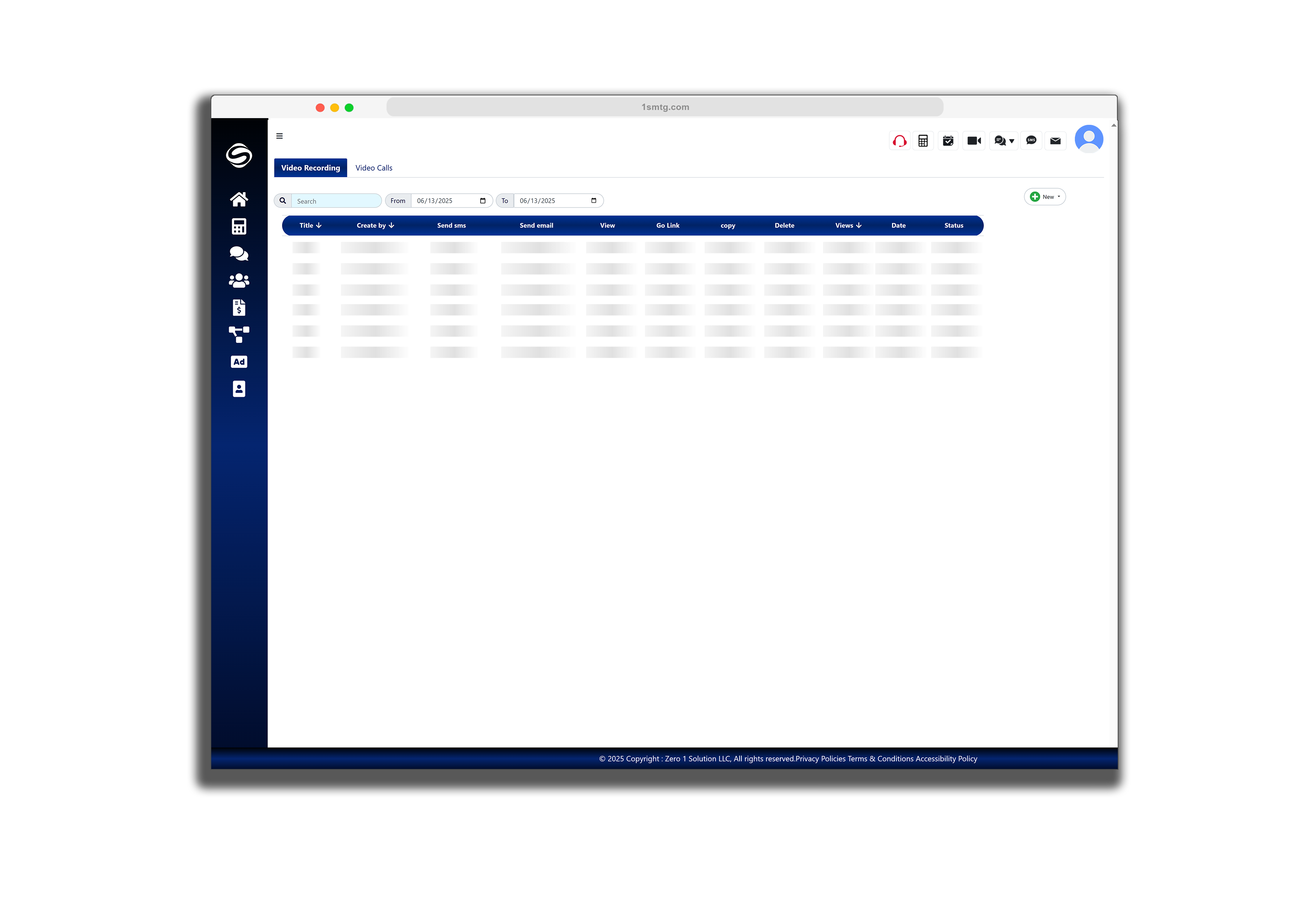
The Video Center allows you to conduct secure, high quality video calls with clients or team members directly within the platform—no need for third-party apps. Whether it's a one-on-one consultation or a team check-in, connect instantly with ease.

Advanced Recording Capabilities

  • Camera Recording: Record high-quality video using your webcam
  • Screen Recording: Capture your entire screen or specific application windows
  • Picture-in-Picture: Record both your screen and camera simultaneously

Perfect for creating walkthroughs, document explanations, training sessions, or personalized client updates. Record once and share via email, link, or save for later use—all while maintaining a professional, compliant presentation with your branding.

1S


Frequently Asked Questions


Got Questions? We're Here to Help

Below you’ll find answers to some of the most common questions about the 1 Solution platform—covering features, setup, and how it all works. If you still need help or have specific questions, don’t hesitate to contact us. Our team is happy to guide you Contact us

Yes! Our Call Center allows you to make and receive calls directly within the platform. All calls are logged automatically with timestamps, and you can access voicemails in one centralized location.

All SMS communications are encrypted and stored securely within the platform. Messages are linked to client profiles for compliance and can only be accessed by authorized team members.

Absolutely. The Email Center supports attachments and offers a secure email option with password protection for sensitive documents. All sent and received emails are automatically archived.

No external software needed. Our built-in Video Center works directly in your browser for face-to-face meetings. You can also record sessions and save them to client profiles.

Our digital Fax Center converts documents to fax format automatically. You can send faxes to any number and receive incoming faxes as PDFs that are stored securely in the system.