

Bring documents in
Upload files and preserve existing CRM, POS and email-to-LOS intake workflows.
Loading Documents & Compliance - 1 Solution Mortgage Software
The paperwork side of the file, finally organized.
Organize loan documents, review freshness and status, request missing items, manage disclosures, and keep reporting workflows close to the file.
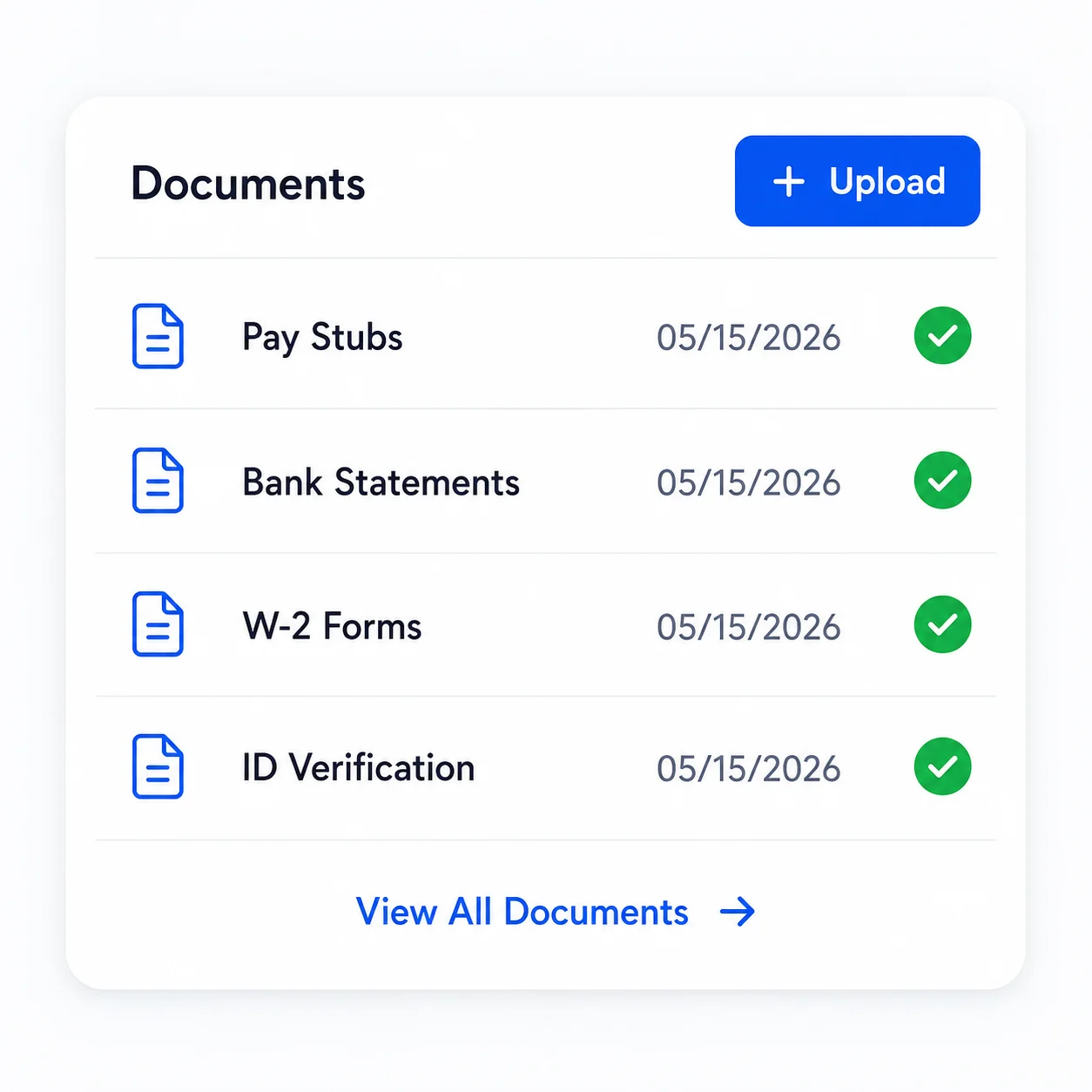
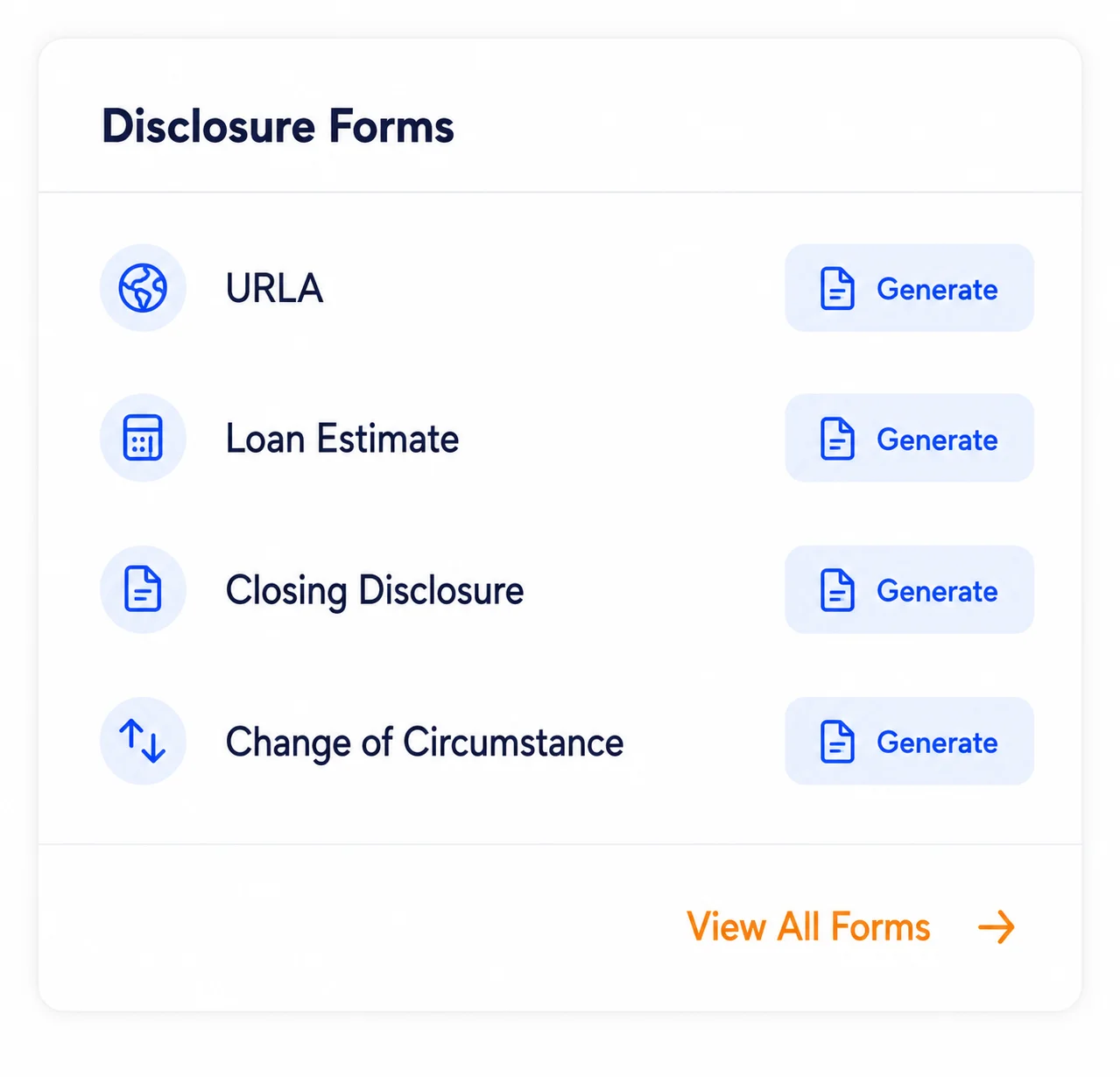
LOS 2.0 expands the old document list into a working document environment with filtering, preview, freshness tracking, review actions, requests and history.
Upload files and preserve existing CRM, POS and email-to-LOS intake workflows.
Use category, document type, status, age, source and archive filters.
Preview documents, review metadata, notes, history and selected-document details.
Mark reviewed, reject, replace, request documents or send items for review.
Select a document, preview it, review details, see history, manage stacks, route it for review, replace it, archive it, or request what is still missing.
Document requests and review routing stay inside the loan workflow instead of forcing the user to reconstruct the file context in another tool.
Request missing documents from borrowers/applicants using document type, borrower, email, notes and the appropriate sending email profile.
Route selected documents to the Originator, MLOA, Processor or another permitted recipient when an email is available in Agent List.
Keep notes, replacement activity, status and archive actions attached to the document workflow so the team can understand how the file changed.
The Application workflow preserves disclosure questions, military and demographic sections, while LOS keeps disclosure forms accessible as part of the same loan-file experience.
The platform surfaces key timing, authorization and activity context rather than treating compliance as a separate afterthought.
Borrower authorization remains a required workflow step before pulling credit.
LOS tracks the LE 3-day timer after the six required application items are complete.
Age, expiration and freshness indicators help identify documents that need review or replacement.
Audit and status history remain available for internal review and file tracking.
Use the NMLS Call Report area as a centralized place to prepare and work with call-report information alongside the broader LOS workflow.